Dynamic File Name
The file name of a generated document can be defined dynamically using a data expression.
By default, the file name is the same as the template name. You can override it in the template settings using expressions.
Where to find Dynamic File Name
The file name can be configured in the template settings.
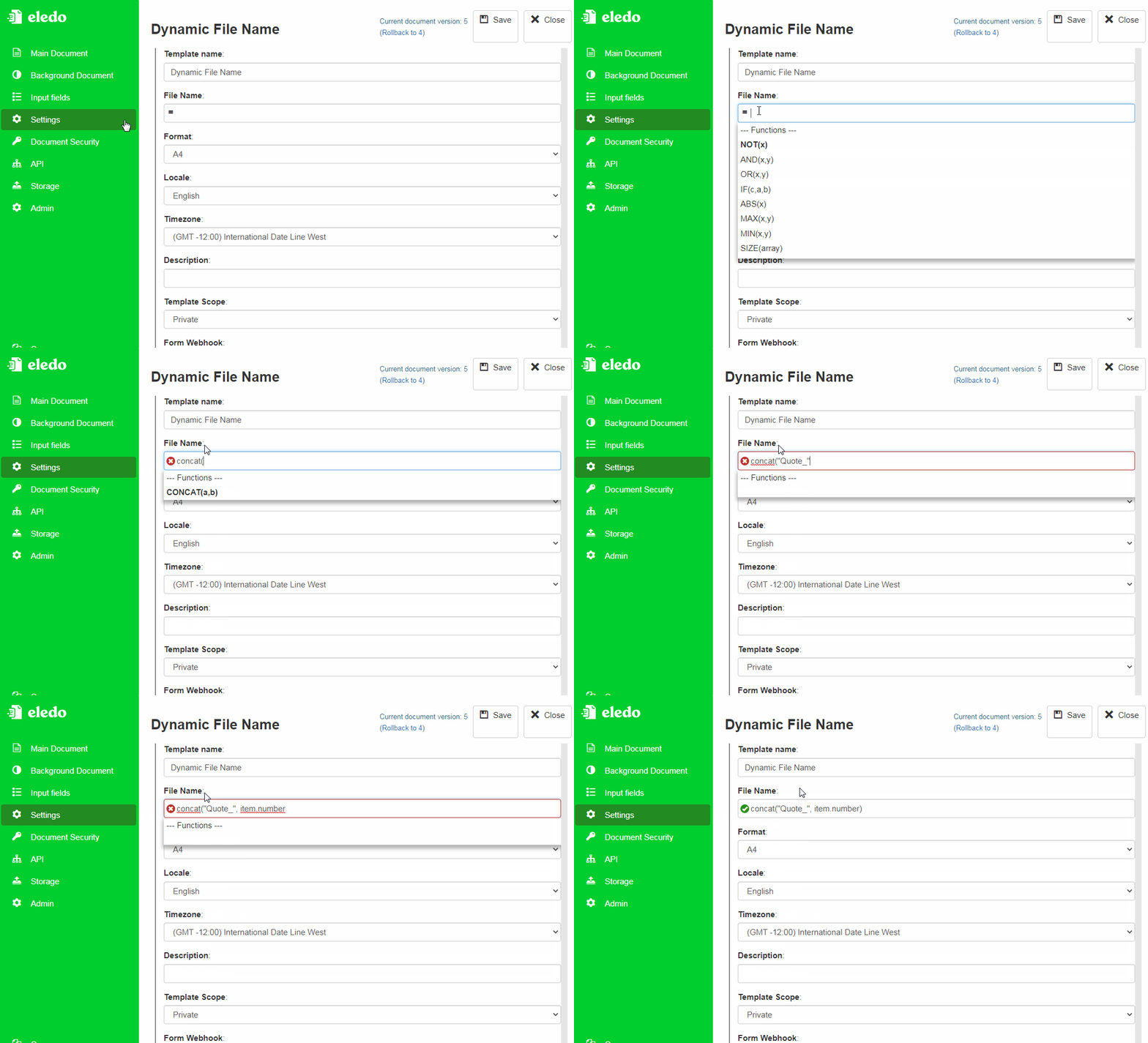
How it works
- The file name is evaluated during document generation
- You can combine static text with dynamic values
- Expressions follow the same rules as other parts of the template
Examples
Invoice number with leading zeroes
CONCAT("Invoice_INV", NUM(invoiceNumber, 6))
Result:
Invoice_INV002031
File name with today's date
CONCAT("Report_", DATE(TODAY(), "yyyy-MM-dd"))
Result:
Report_2022-02-01
When to use Dynamic File Name
Use dynamic file names when you need to:
- generate unique document names
- include identifiers such as invoice numbers
- include dates or other dynamic values
Related topics
- Expressions → Expressions
Was this article helpful?
Yes
No